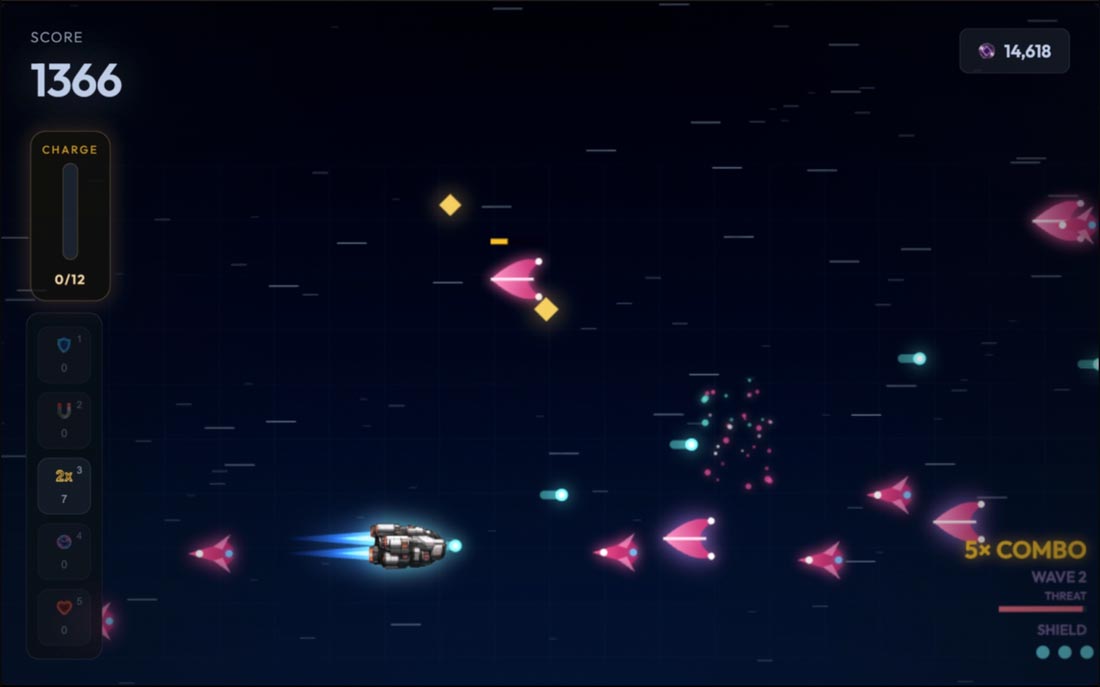
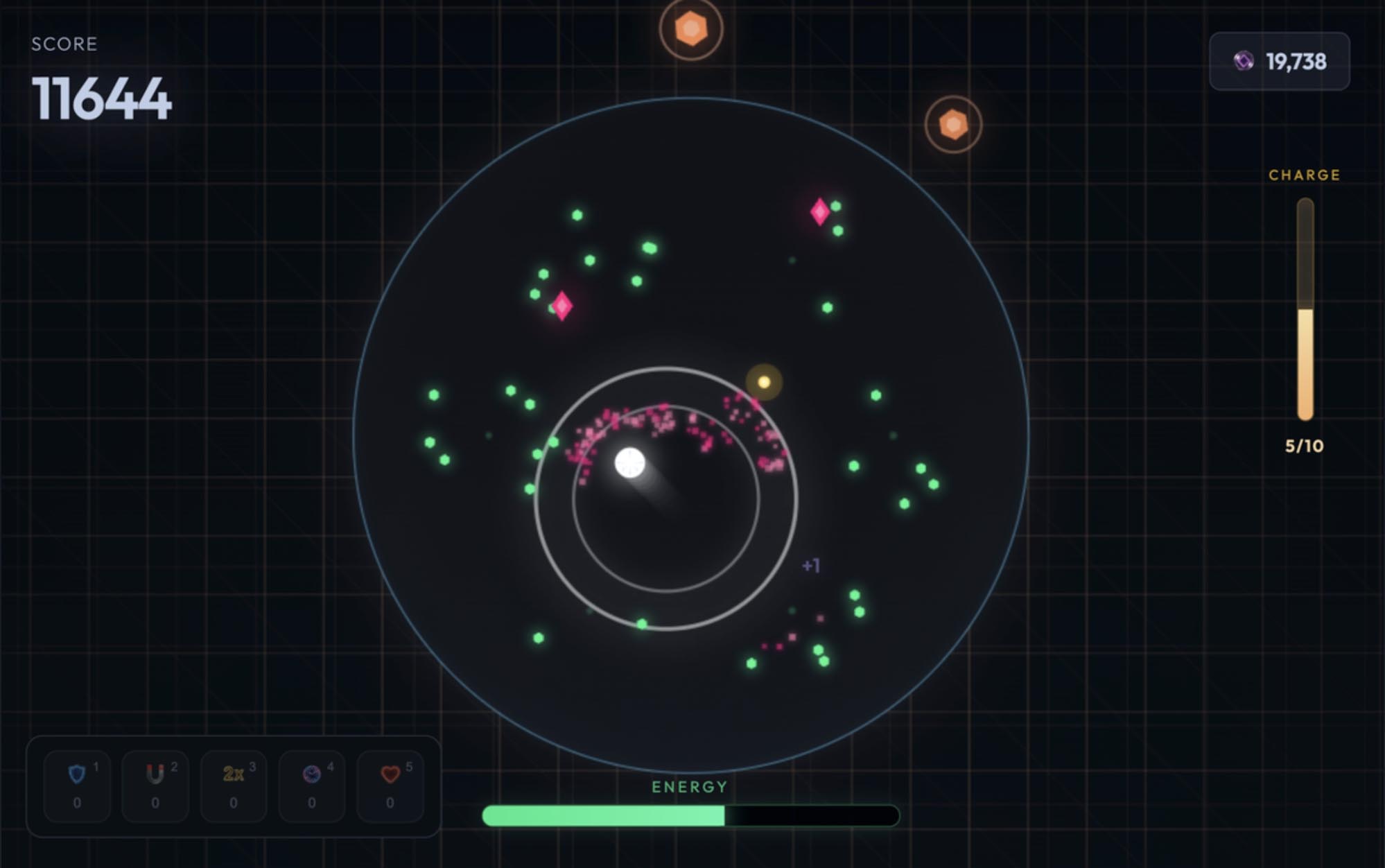
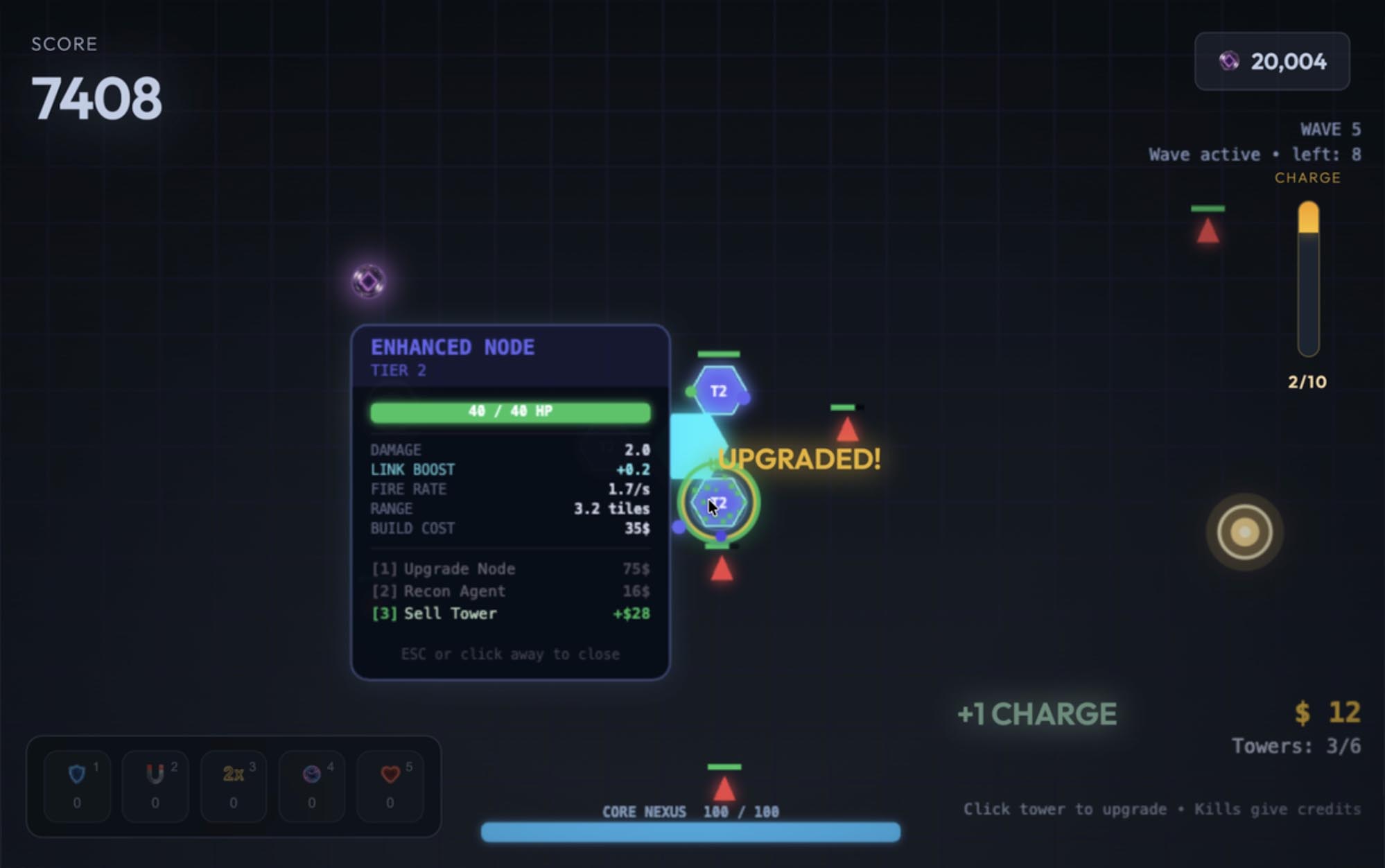
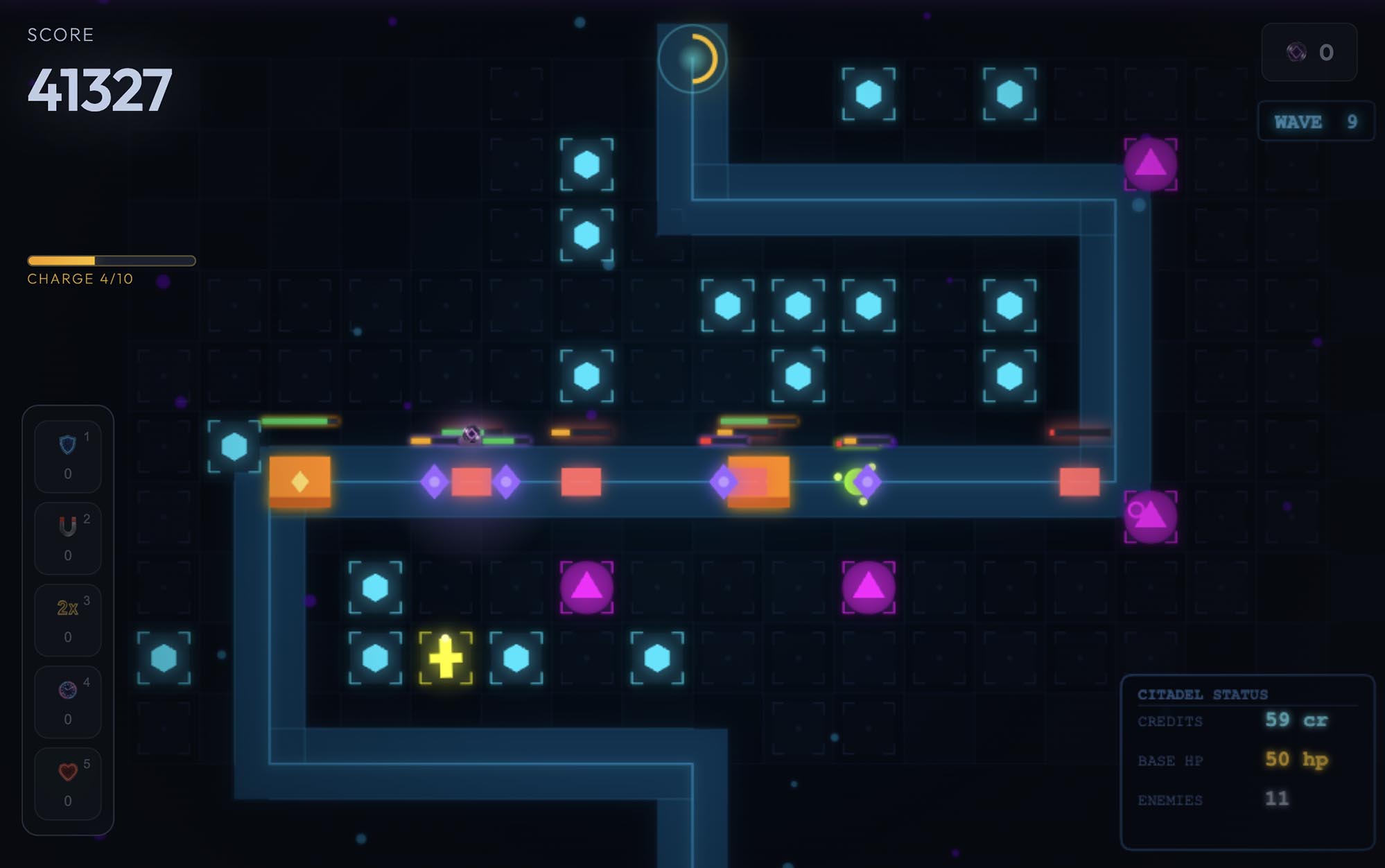
"Unblocked" usually means a game that runs in a normal browser tab, with nothing to install and nothing an administrator has to approve. That is how all 20 games on Void Arcade work. This page sets out what that means on a school Chromebook, game by game, including the parts we cannot promise.
What unblocked means here
Every Void Arcade game is a web page. Open it in Chrome and it plays: no download, no installer, no browser extension and no plugin. That is why the games run on a managed Chromebook, where you usually cannot install anything at all. They are all original games, built in-house, and all 20 are free to play.
What we cannot promise is that your school's network lets the site through. A school or library chooses which sites it allows, and if voidarcade.com is filtered where you are, nothing on this page changes that. Please do not try to get around your school's rules: play on a break, at lunch, or at home.
Keyboard controls that work on a Chromebook
A Chromebook keyboard has the arrows, Space, Shift, letters and numbers, and that is all these games ask for. 15 of the 20 games play from the start screen to the end screen on the keyboard alone: press Space or Enter to start, play with the keys, and the end screen takes Space, Enter, the arrow keys, and R to play again. Esc pauses a run, and a run pauses itself if you switch tabs.
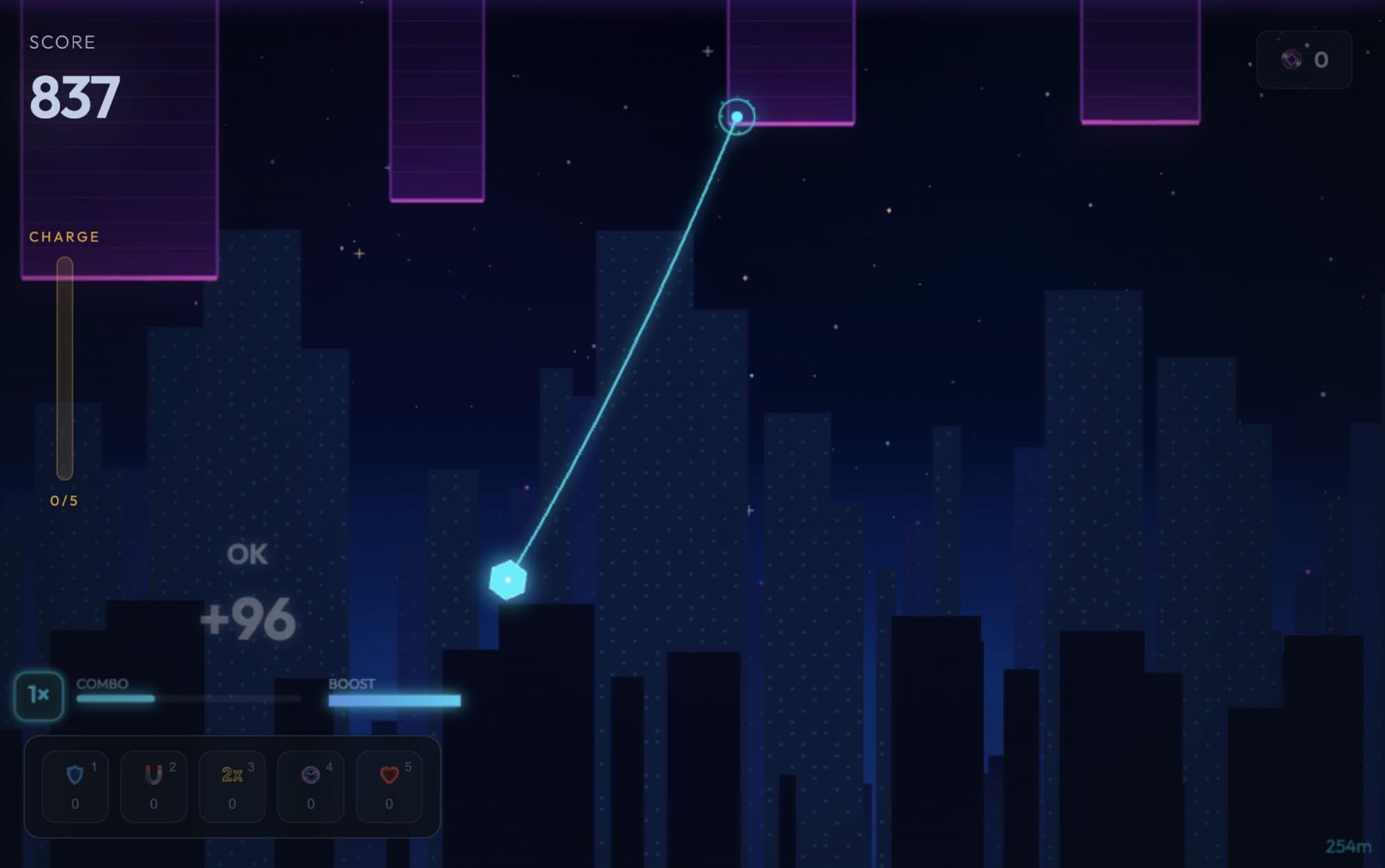
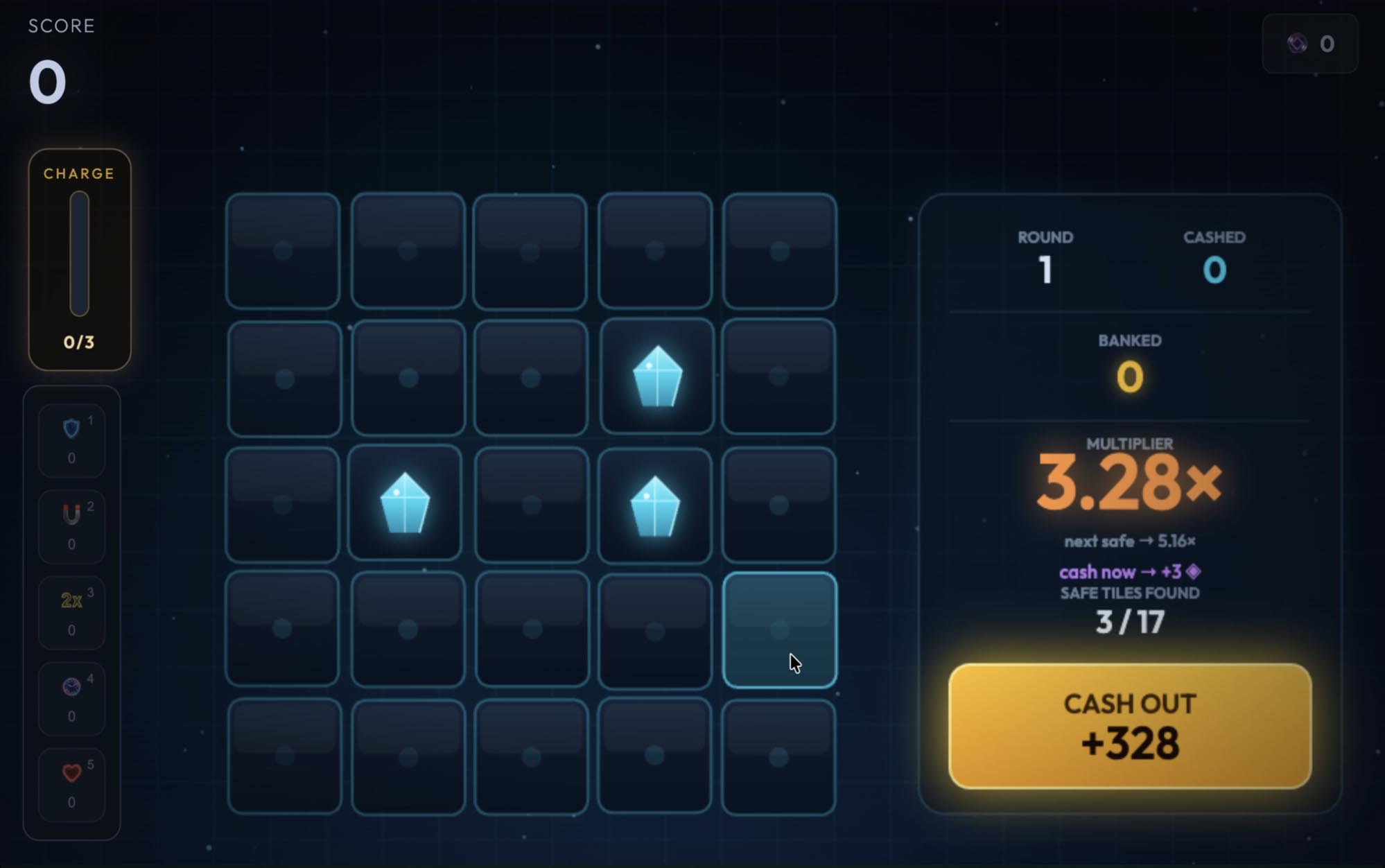
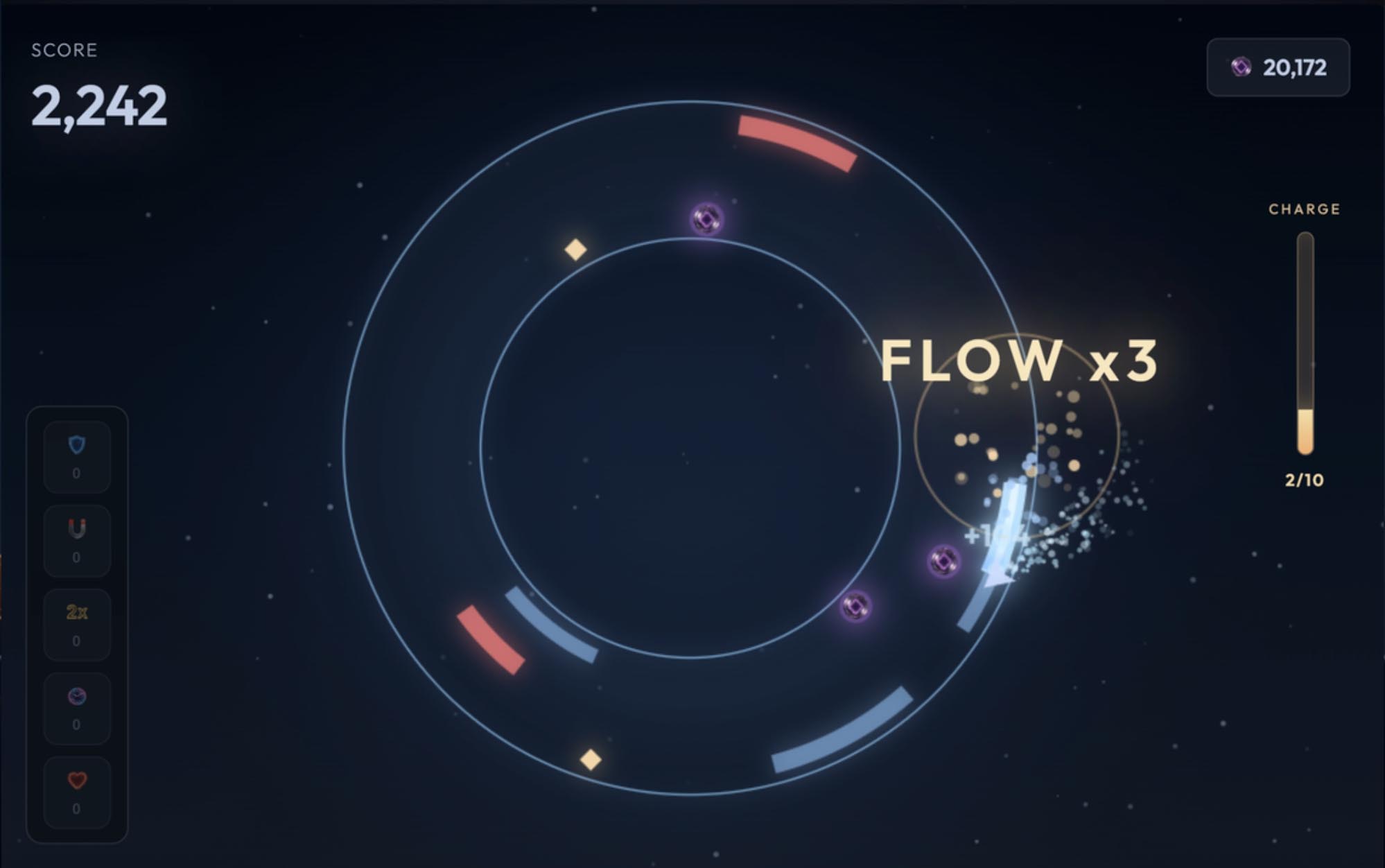
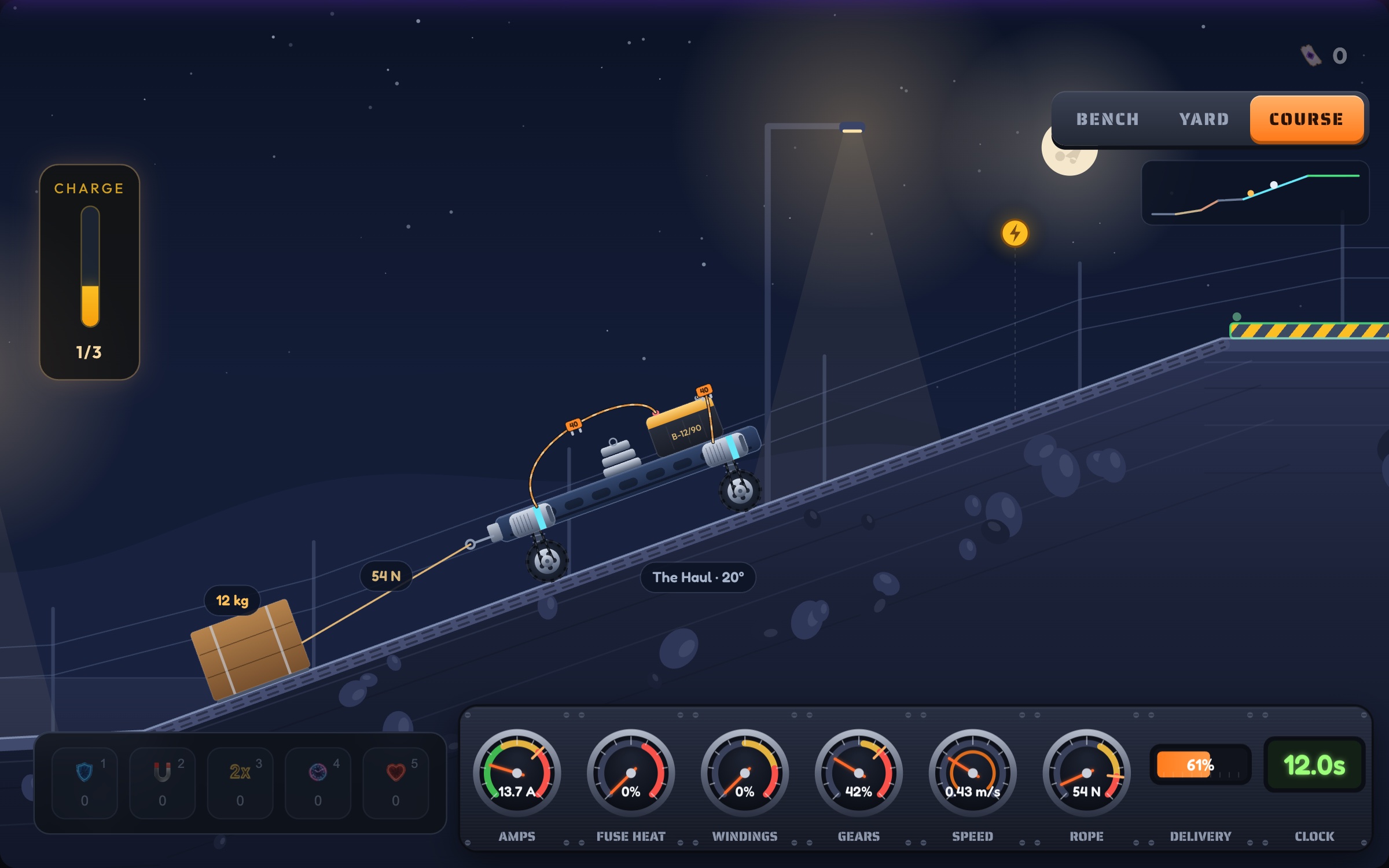
The other five need the touchpad for one job each: Wire Rush for firing the grapple, Cash Out for revealing tiles, Neural Grid for opening a tower to upgrade or sell it, Quantum Nexus for choosing a pad to build on and Overclocked for placing parts on the bench. Everything else in those games has a key.
| Game | One round | Controls |
|---|---|---|
| Pulse Lock | 5 to 9 min | Keyboard only |
| Void Runner | 1 to 2 min | Keyboard only |
| Wire Rush | 1 to 2 min | Keyboard, plus the touchpad for firing the grapple |
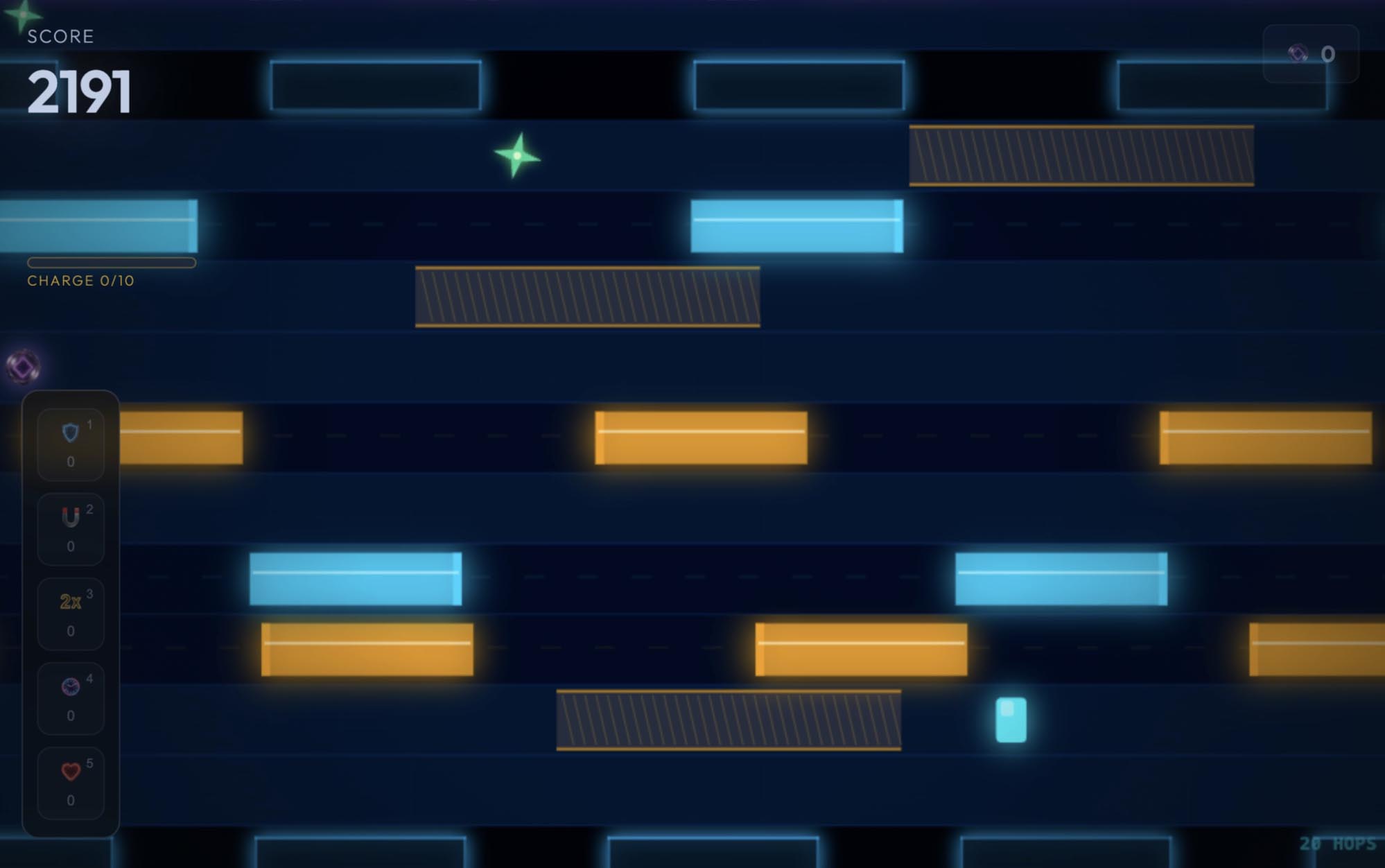
| Data Hopper | 1 to 3 min | Keyboard only |
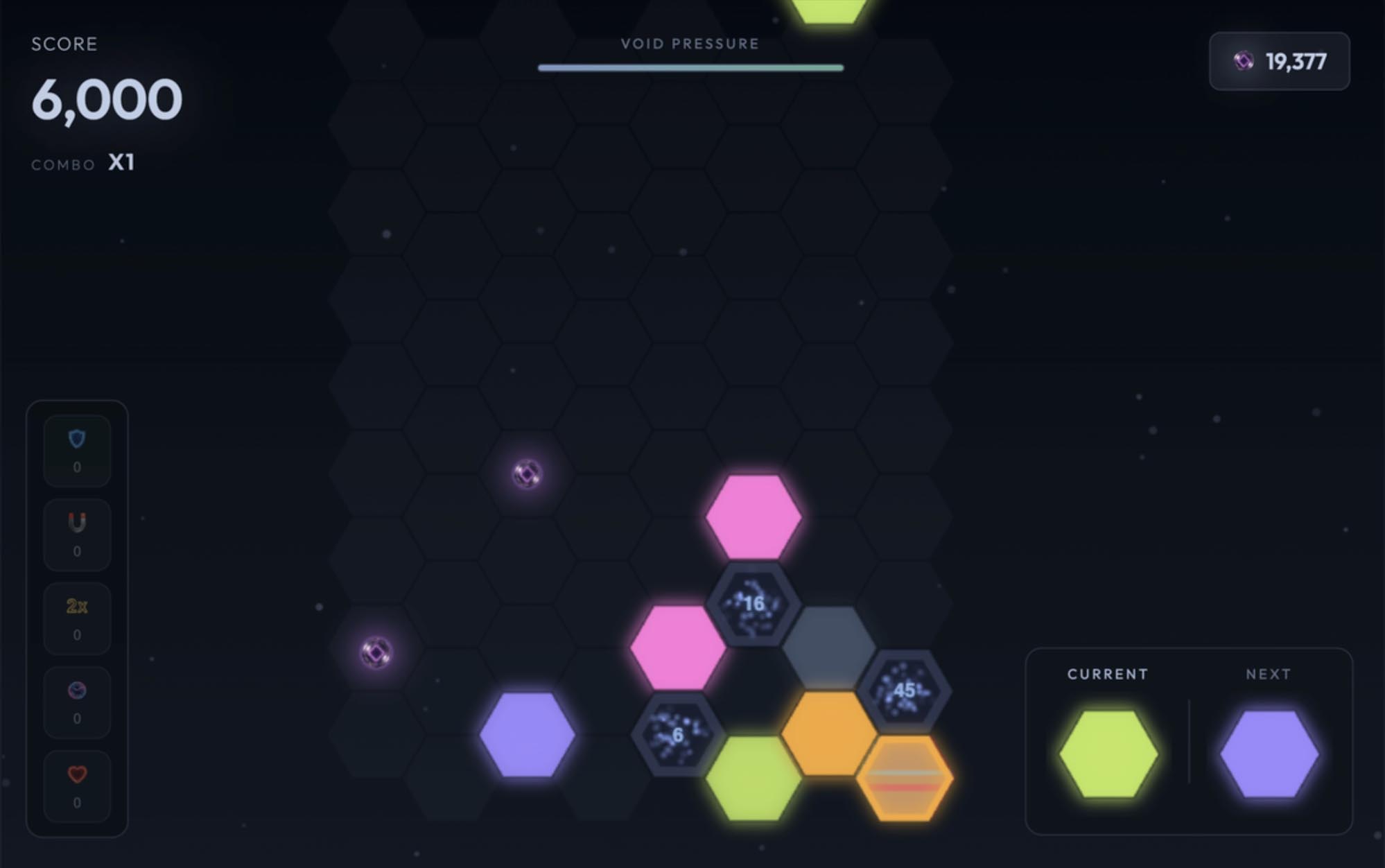
| Hex Stack | 6 to 10 min | Keyboard only |
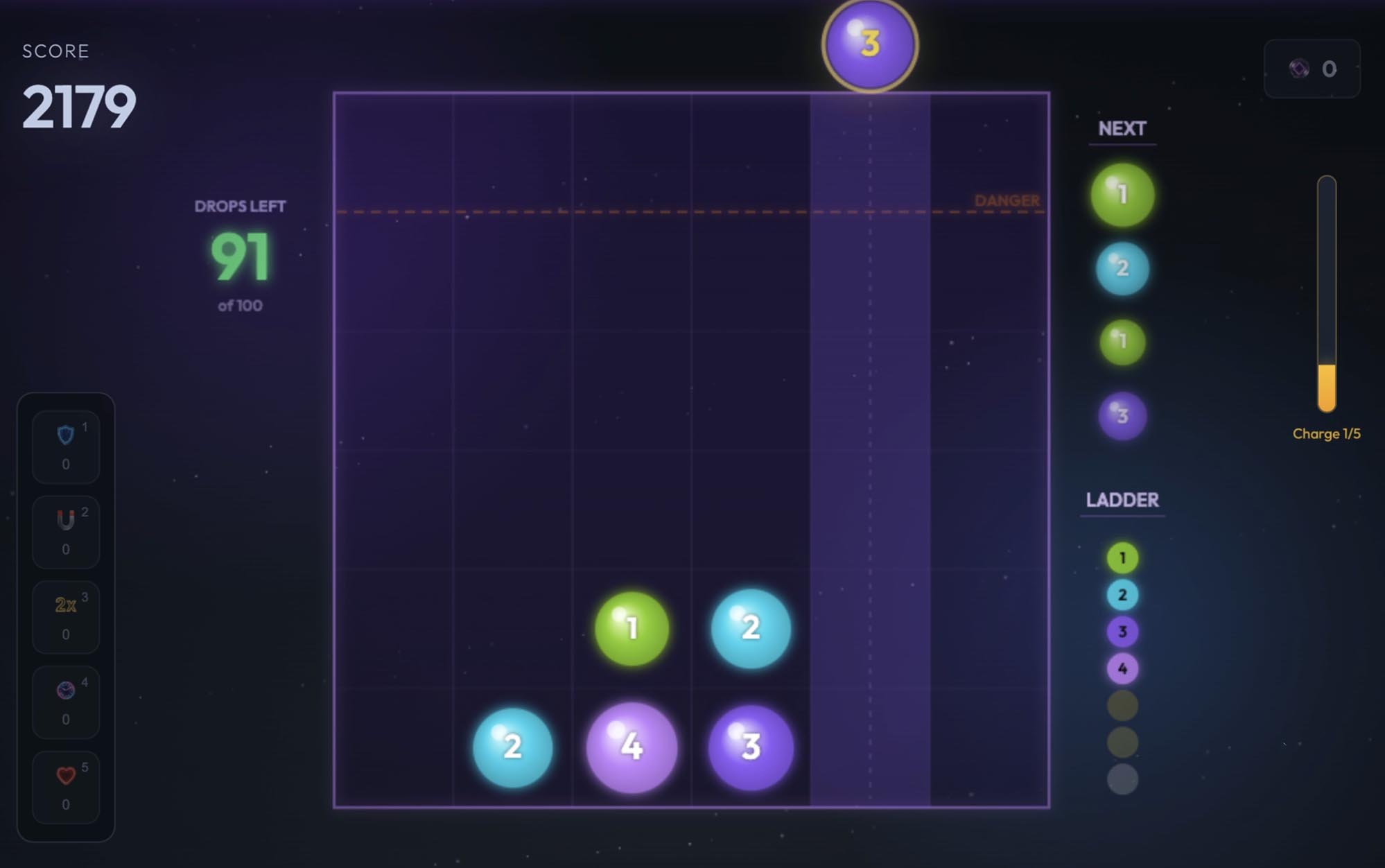
| Cascade | 3 to 7 min | Keyboard only |
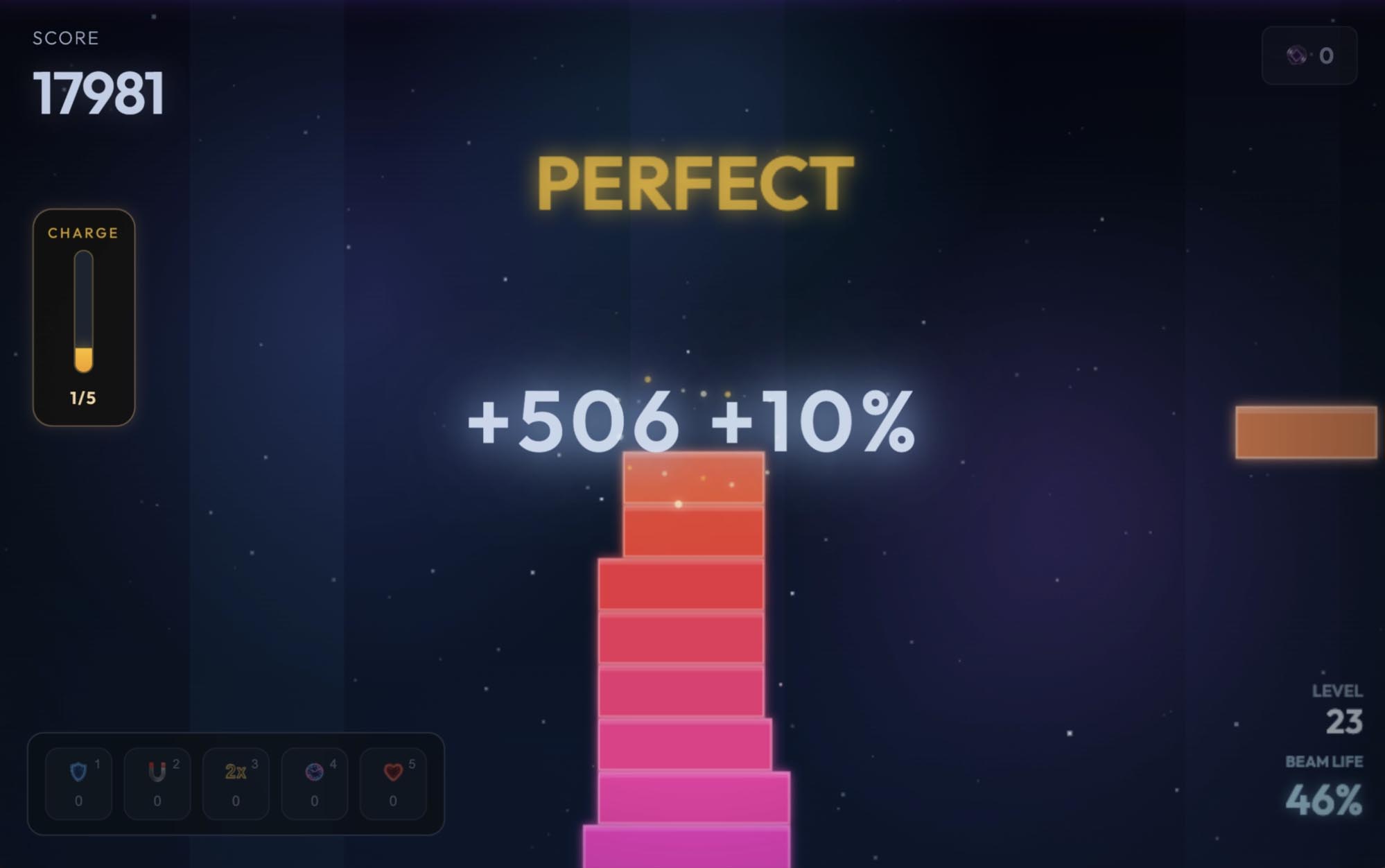
| Snap Stack | 1 to 3 min | Keyboard only |
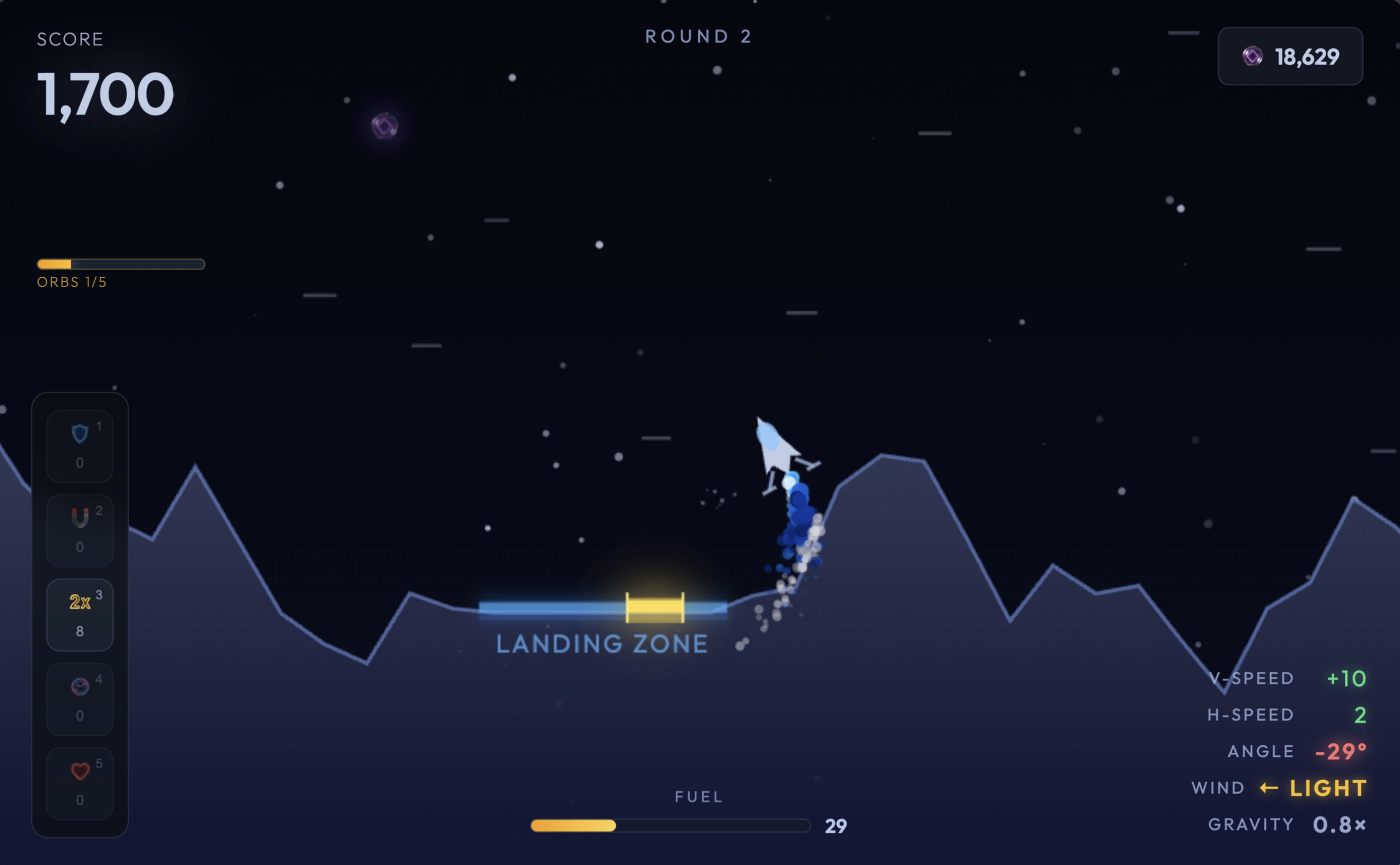
| Moonfall | 2 to 5 min | Keyboard only |
| Void Gate | 1 to 2 min | Keyboard only |
| Cash Out | 1 to 3 min | Keyboard, plus the touchpad for revealing tiles |
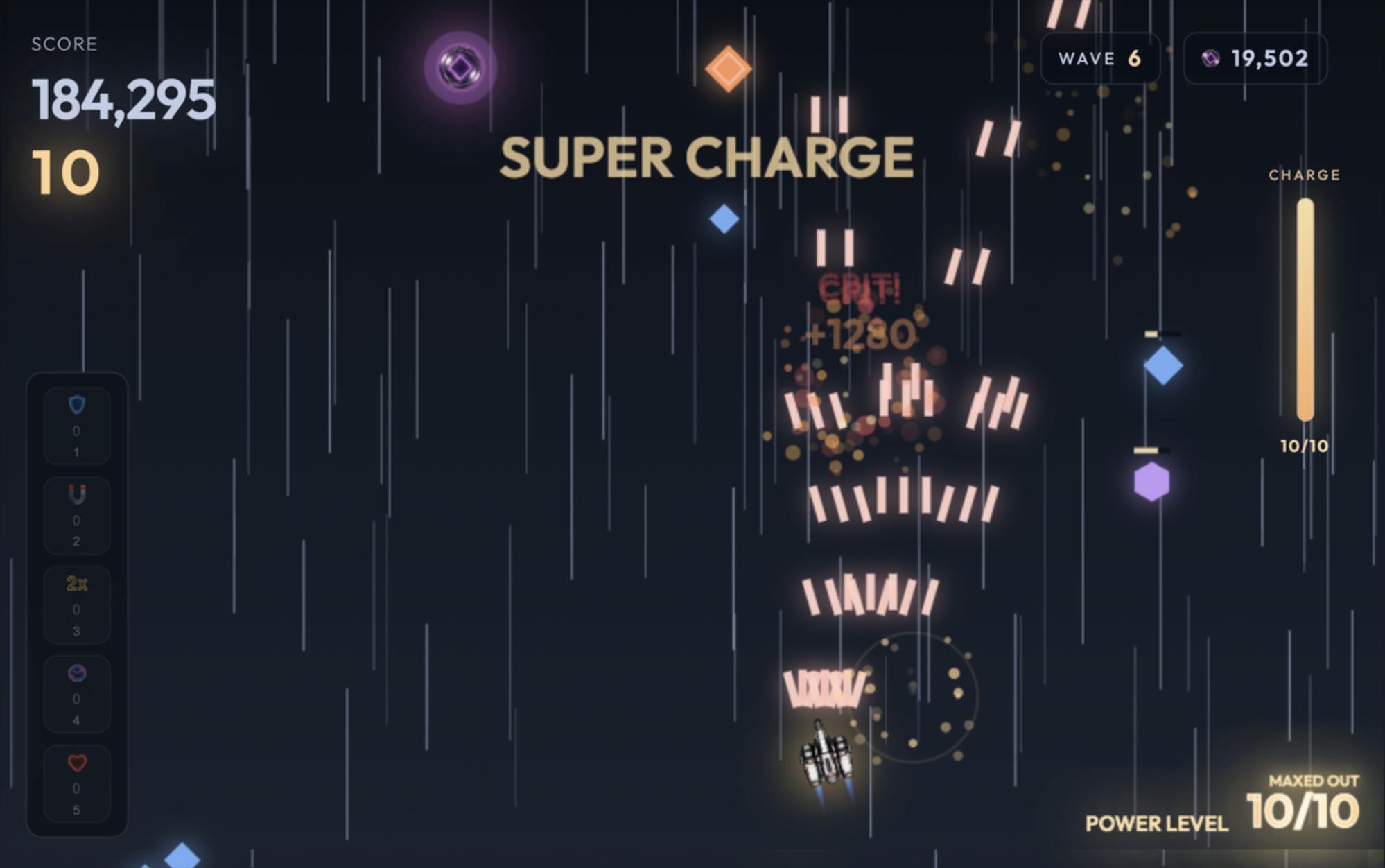
| Vector Shot | 1 to 2 min | Keyboard only |
| Singularity | 1 to 3 min | Keyboard only |
| Spectrum Decay | 2 to 5 min | Keyboard only |
| Neural Grid | 15 to 20 min | Keyboard, plus the touchpad for opening a tower to upgrade or sell it |
| Quantum Nexus | 10 to 30 min | Keyboard, plus the touchpad for choosing a pad to build on |
| Apex Drift | 1 to 2 min | Keyboard only |
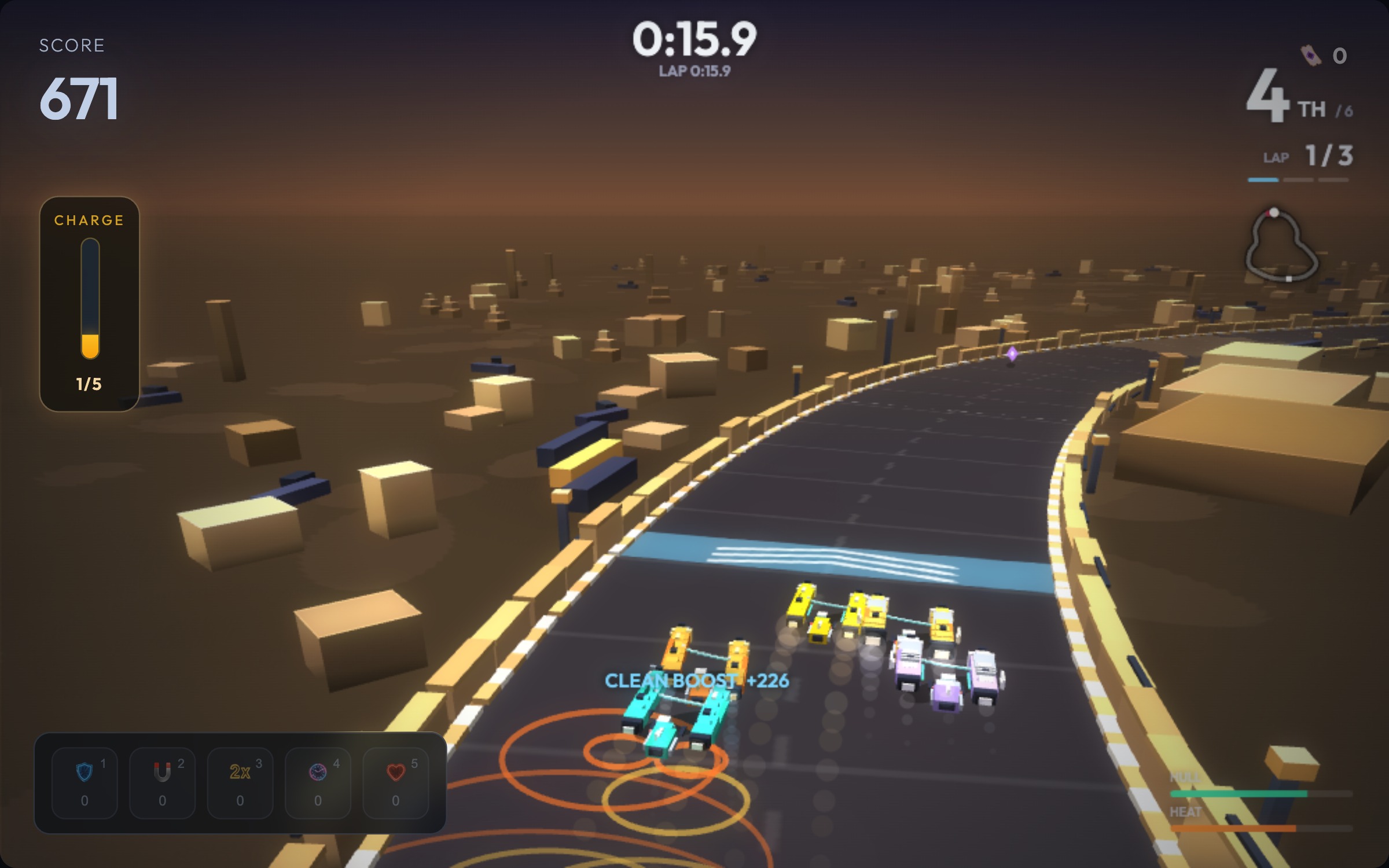
| Ion Racers | 7 to 12 min | Keyboard only |
| Overclocked | 5 to 15 min | Keyboard, plus the touchpad for placing parts on the bench |
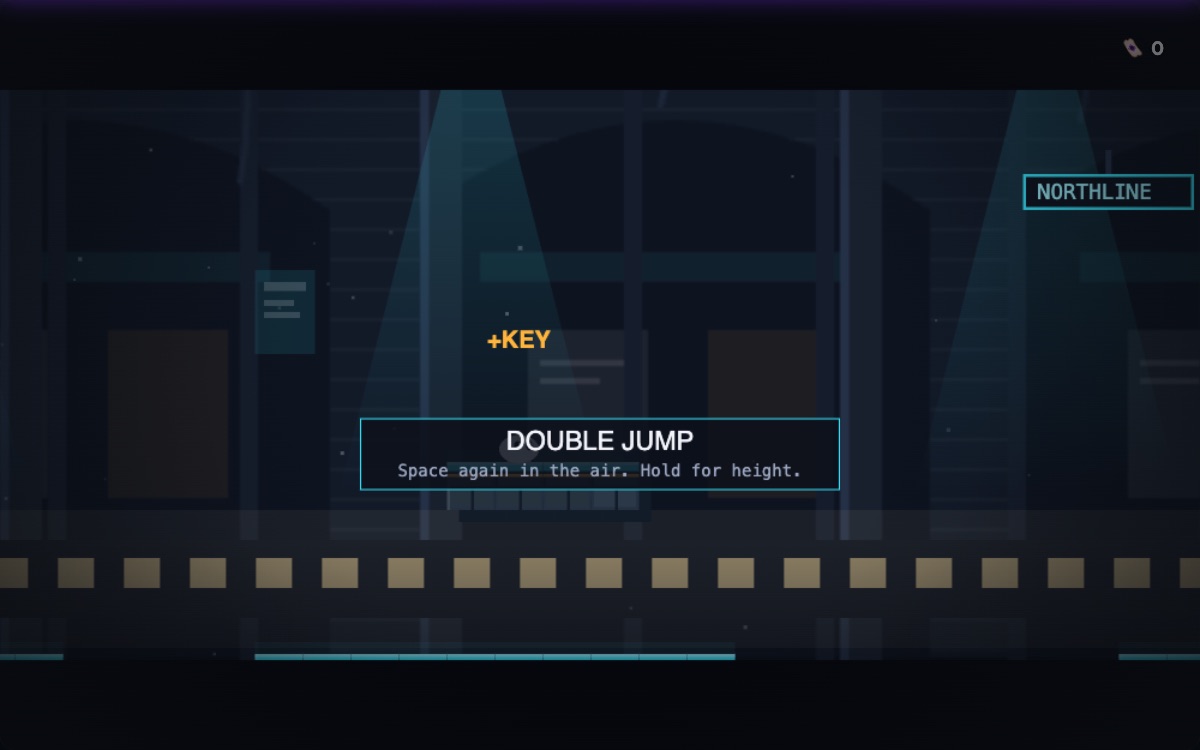
| Vault Run | 2 to 4 min | Keyboard only |
| Tidebeat | 1 to 4 min | Keyboard only |
How long a round takes
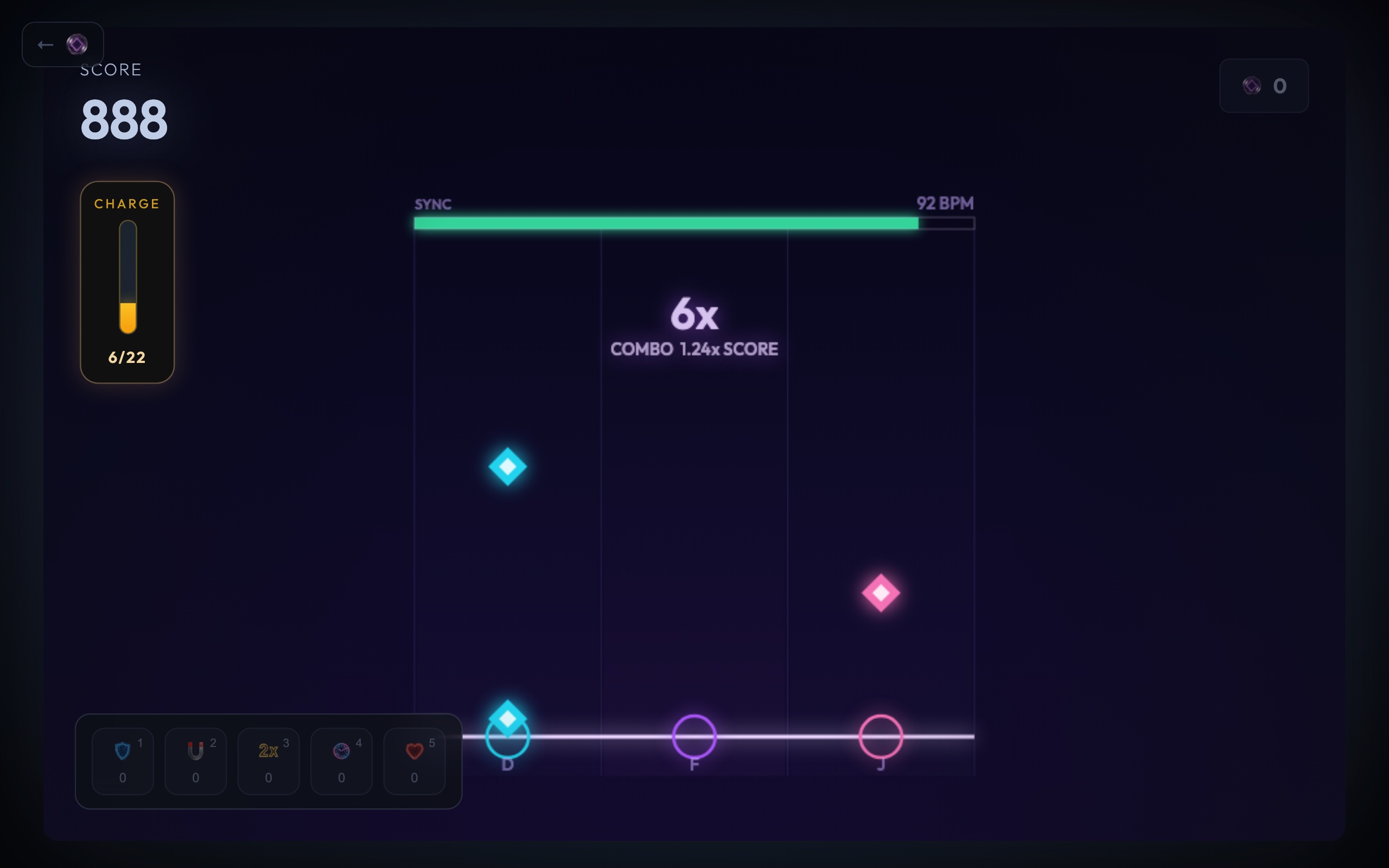
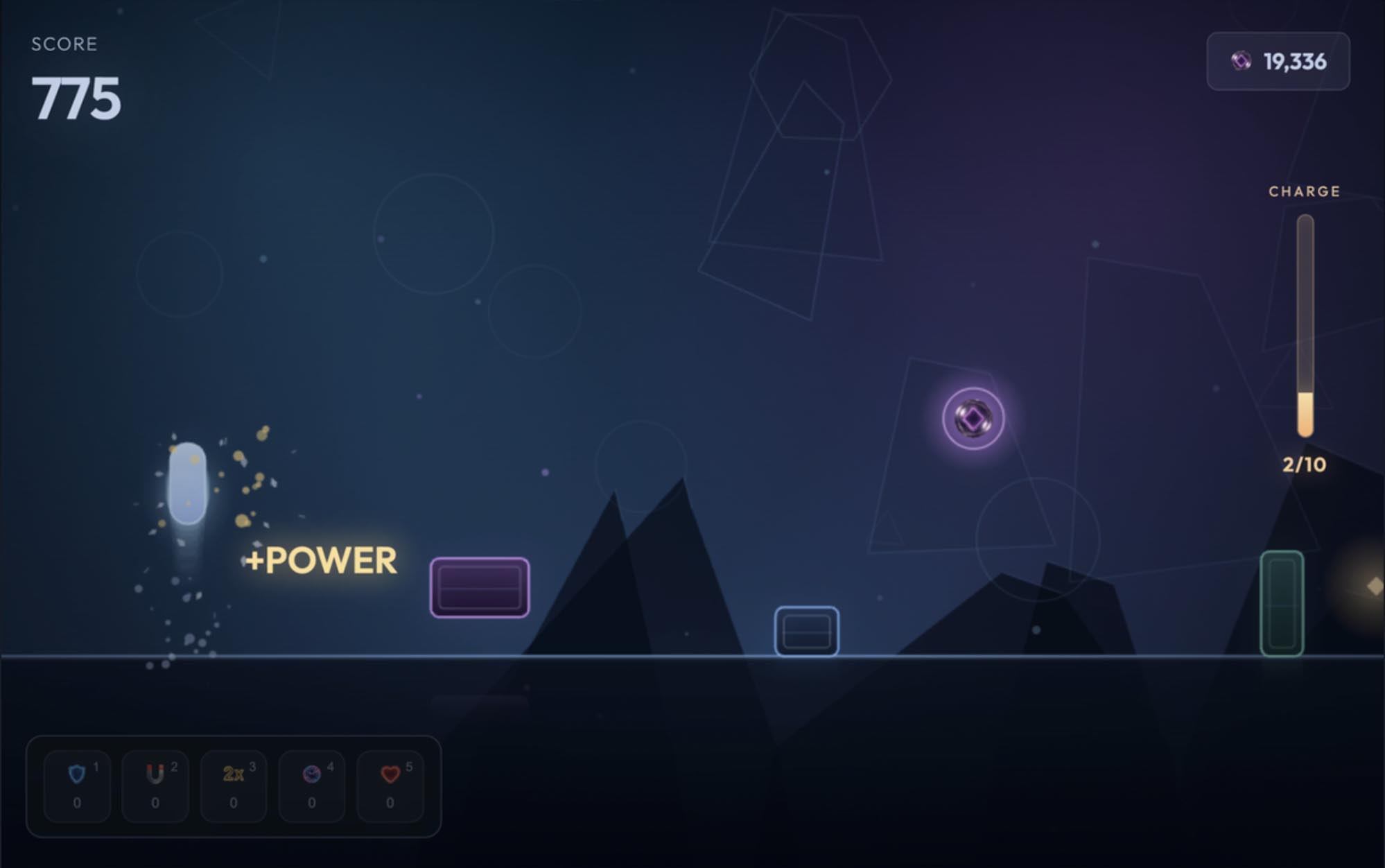
Most rounds here are short on purpose. Void Runner, Wire Rush, Data Hopper, Snap Stack, Void Gate, Cash Out, Vector Shot, Singularity and Apex Drift take one to three minutes a run, so a few tries fit into a short break. Void Gate, Snap Stack and Vector Shot are the quickest to pick up: one or two keys each, and the run starts the moment you press Space.
Pulse Lock, Hex Stack, Cascade, Moonfall, Spectrum Decay, Ion Racers, Overclocked, Vault Run and Tidebeat run from about 1 to 15 minutes. Neural Grid and Quantum Nexus are the long ones at 10 to 30 minutes a game, so save them for a free period or for home rather than the five minutes before the bell.
Saving your progress without an account
You never need an account to play. As a guest, what you earn, your best scores and your saved progress in games like Ion Racers, Vault Run and Overclocked are kept in this browser's own storage, and the end screen shows what you have earned so far.
That has one catch on a school machine. Some school Chromebooks are set to clear browsing data when you sign out, and Chrome's guest mode always does, which wipes guest progress with it. A free account saves it to your account instead, so it survives a cleared browser and follows you to another device. No game is locked behind an account.
Playing with friends
Ion Racers has online rooms: one player opens a room and shares the link, and everyone else joins from their own device without an account. Rooms connect the players' browsers directly, and some school networks block that kind of connection. If a room will not connect, the single-player game still works.