What makes Pulse Lock different
Pulse Lock is the rhythm game on Void Arcade, and it is built the other way round from most. Usually a song is a recording and the notes are charted on top of it. In Pulse Lock the song is synthesised live in your browser, and the chart is generated from the same patterns the synth plays, so every note on screen is a sound you are about to hear: the kick, the snare, the lead line, and hold notes on the chords.
It is one composed song with a real ending: 32 sections over about seven and a half minutes, starting at 100 BPM and climbing to 164. It moves through verses, builds, drops, breaks, stutters and stop-time bars. Halfway through, at a section called The Turn, the tempo drops back to 120 and the key lifts, and the second half brings house stabs, acid bass and a gallop before the final drop. Land the last chord, a two-lane hold, and the screen says Song Complete.
There is no difficulty menu and no song list. The challenge rises with the arrangement itself: a faster tempo, denser notes and, from the second drop, hollow red decoy notes that you have to let pass.
How the timing works
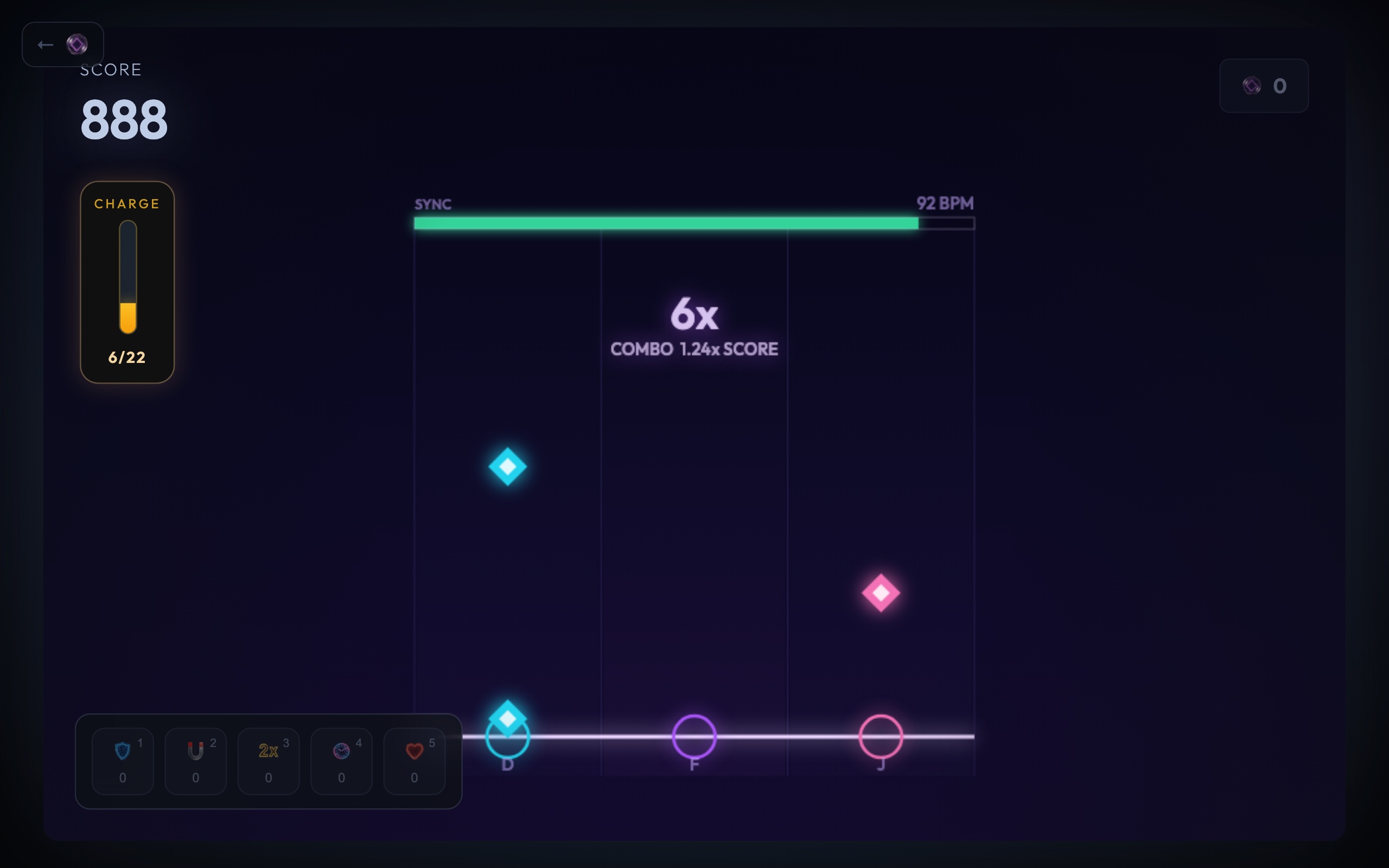
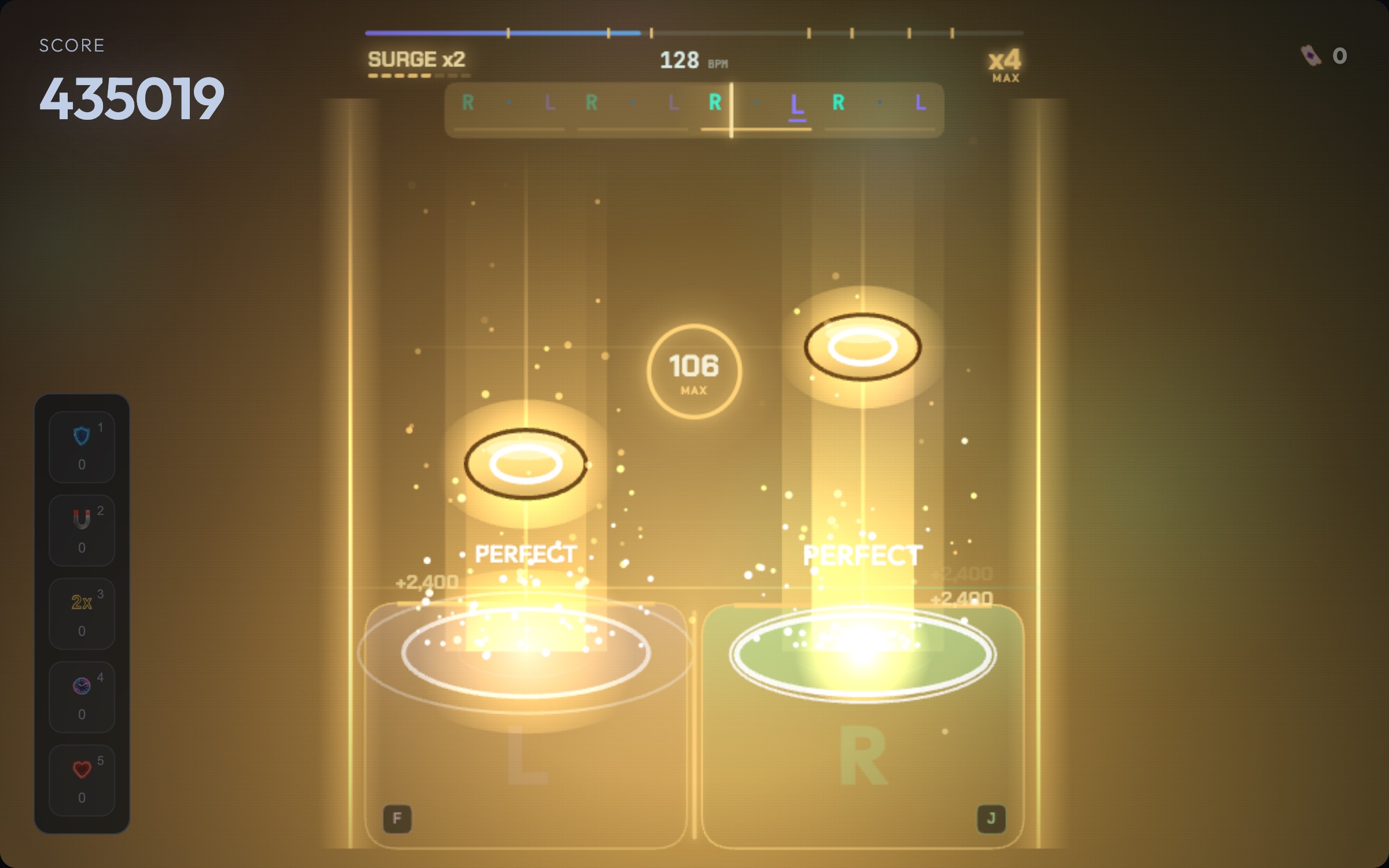
Notes fall down four lanes toward a judgement line near the bottom of the screen. Each press is judged at the moment you made it, against the song as you hear it: the game takes the delay of your speakers or headphones out of the judgement, so a slow audio device does not push every hit late.
- Perfect: within about 55 milliseconds of the beat. Worth 130 points.
- Good: up to 115 ms early or 150 ms late, shown as EARLY or LATE. Worth 50.
- Miss: later than that. A miss breaks your combo and drains Sync.
For the first 30 seconds of the song every window is a quarter wider, so the opening works as a warm-up. A press with no note near it shows TOO EARLY, breaks the combo and costs a little Sync, so drumming along between notes is punished.
Your Sync meter starts at 72 out of 100. Perfects raise it, misses take a bigger bite, and when it empties the run is over. As Sync runs low the music turns muffled, a warning you can hear before you see it.
Playing on a keyboard and on a phone
On a keyboard the four lanes are F, G, H and J, left to right, and each key is drawn under its lane. A comfortable grip is two fingers per hand: left middle finger on F, left index on G, right index on H and right middle finger on J. For a hold note, keep the key down until the tail reaches the line. Tiny gaps are forgiven and letting go just before the end still counts, but letting go early drops the hold and breaks your combo. Any key starts the song from the start screen, Esc pauses, and the game pauses itself if you switch tabs, so the whole thing plays without touching the mouse.
On a phone, turn it sideways and tap anywhere in a lane's column, at any height. Use two fingers for chords and keep a finger down through a hold. Phones that support vibration give a tiny tick on each hit. Every run opens with a count-in on the song's own beat, and presses during it are free, so use it to find the pulse.
Turn the sound on. You do not need headphones, but the notes are the music, and the game is much harder to read on mute.
Tips for hitting more Perfects
- Listen, then look. The chart follows the music exactly. Tap with the kick and the snare rather than chasing what is on screen, and your hands start landing ahead of your eyes.
- Aim for the middle of the beat. The Perfect window is about a ninth of a second wide. Pressing right on the beat, not just in time, is the difference between 130 points and 50.
- Keep your fingers still between notes. A stray press costs as much combo as a miss.
- Treat gold notes as the priority. One note in fourteen is gold, and only a Perfect on a gold note moves the Overdrive meter. Eleven of them start Overdrive by itself: eight seconds of double score with no Sync loss.
- Protect the combo. The score multiplier grows with every hit in a row and tops out at 3x at a 50-note combo. When a section gets away from you, play the notes you are sure of and rebuild.
- Let decoys go. Letting a hollow red note pass gives a little Sync back. Tapping one takes a big slice away.
If you like timing games
Pulse Lock is the only rhythm game here, but Snap Stack and Void Gate are built on the same skill: pressing one key at exactly the right moment. Both are short, 1 to 3 minutes a run, which makes them a good warm-up for your timing.